
Best notes program for Windows in 2026 (free and offline)

Steven Liechtifounder of Koru
9 minute read

Short answer
For a free notes program for Windows that works offline, start with OneNote if you write with a pen, Obsidian or Joplin if you want notes on your own disk, and Koru if you want a private desktop workspace with free sync between your computers. iA Writer is the best paid writing app for Windows.
I build Koru, which is on this list, so weigh what I say about it with that in mind. This post is narrower than our best note-taking apps for Windows roundup: it is for people who want a notes program for Windows that costs nothing, keeps working without a connection, and is pleasant to write in, not only to file things in.
Every price and feature below comes from each company's own pricing, help or download pages, checked on November 1, 2026. Prices are in US dollars unless the company lists euros.
What is the best free notes program for Windows?
It depends on what you write and where you want it kept. The short version:
- Free, with a pen or touchscreen: OneNote. Free on Windows, organized like a binder, and the best handwriting support here.
- Notes as files on your own disk: Obsidian. Free with no sign-up, with a huge plugin library.
- Open source, with your phone too: Joplin. Free, with the sync service you choose.
- A private, offline desktop workspace: Koru. Free and open source, no account, with free encrypted sync between your own computers.
- Shared wikis and databases: Notion. Free plan, but it lives in the cloud and is only partly offline.
- Long-form writing: iA Writer. Not free, but a one-time $29.99 on Windows.
- Encrypted notes on every device: Standard Notes. Free plan with end-to-end encryption.
Note taking software for Windows, compared
Side by side, as each company describes its own app. "Offline" means you can open and edit notes with no connection.
| App | Price | Works offline | Open source | Where notes live |
|---|---|---|---|---|
| Koru | Free; optional Koru Cloud $9.99/month for 100 GB | Yes, by default | Yes, MPL-2.0 | On your devices, synced directly between them |
| OneNote | Free | From a cached copy | No | OneDrive, with a Microsoft account |
| Obsidian | Free; Sync from $4/month billed yearly | Yes | No | Files on your disk |
| Joplin | Free; Joplin Cloud from 2.40 EUR/month billed yearly | Yes | Yes | On your device, synced through the service you pick |
| Notion | Free; Plus $10 per seat per month | Pages you download, in the apps | No | Notion's servers |
| iA Writer | $29.99 one-time on Windows; 7-day free trial | Yes | No | Plain text files on your disk |
| Standard Notes | Free; Productivity $90/year | Yes | Yes | Encrypted on your device and its servers |
Koru: a free notes program for Windows that works offline
Koru is my app, so here is the plain version. It is a free, open-source workspace for notes, documents and files, built as a native desktop app in Rust rather than a website in a window, so it opens quickly. Your notes live in a local database on your PC, it works offline by default, and you never create an account.
You write in pages with headings, lists, checklists, tables and images, and find things again with full-text search and #tags. It imports from OneNote, Evernote, Notion, Google Docs, Markdown and TextBundle, and exports to Markdown and TextBundle, so your notes are never stuck.
Link a second computer with a QR code or a short code and the two sync directly, end-to-end encrypted, for free. A Windows PC, a Mac and a Linux PC all link the same way. Both need to be online at the same time; if they rarely are, Koru Cloud is an optional, proprietary service at $9.99/month for 100 GB that keeps an always-on copy.
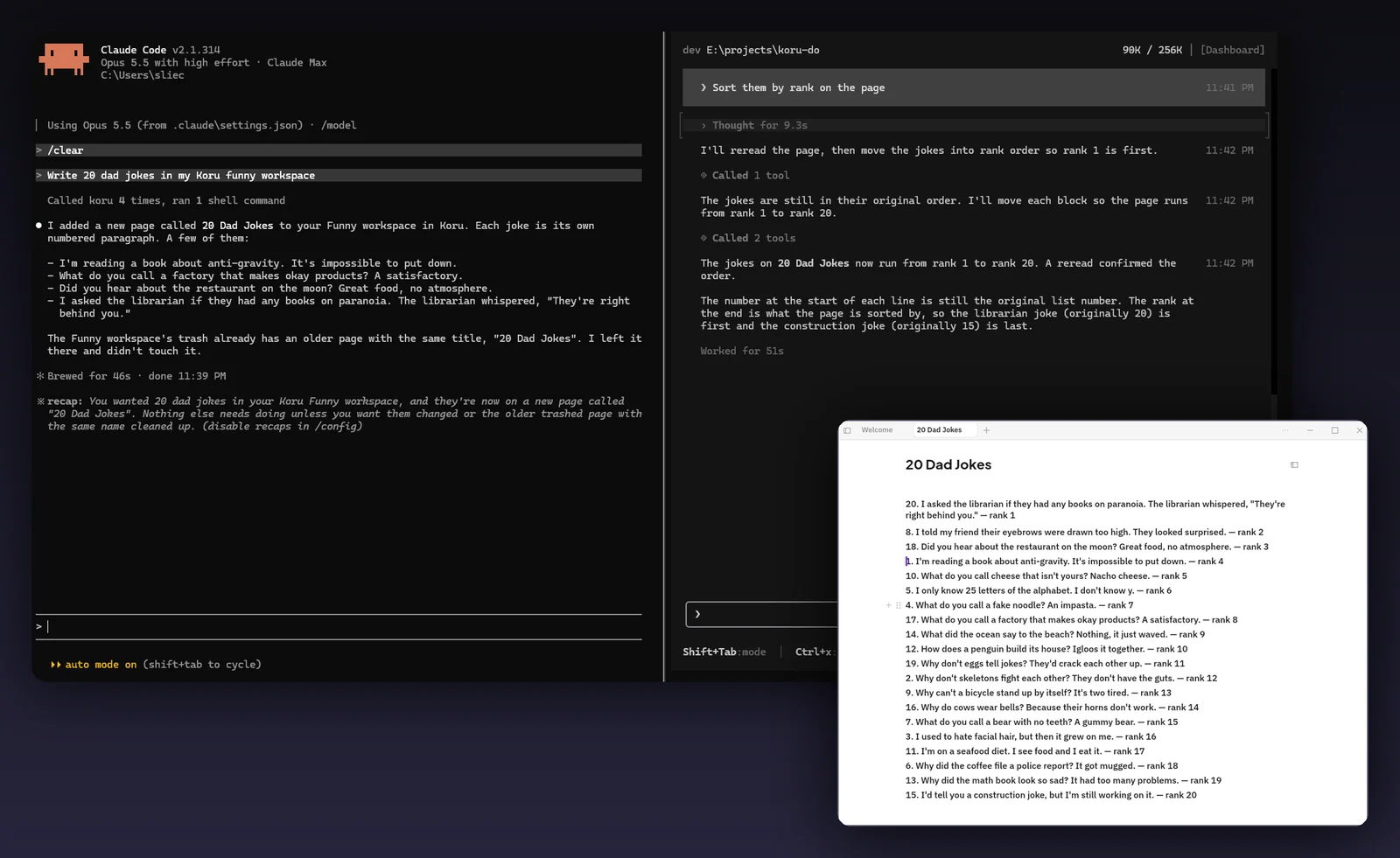
Koru works with the AI you choose. Its MCP server, koru-mcp, lets MCP clients such as Claude and Claude Code read and edit your workspace on your own computer, and Koru has terminal tabs with PowerShell, CMD or Git Bash, so you can run a coding agent next to your notes.

Installing Koru on Windows
The installer, setup.exe, needs no admin rights, and there is a portable zip if you would rather not install anything. Koru needs 64-bit Windows on an Intel or AMD processor; there is no Windows on ARM build yet. The app is not code-signed yet, so Windows SmartScreen shows a warning the first time you run it. Koru also runs on macOS, and on Linux, where version 0.1.4 is stable and needs glibc 2.35 or newer.
Download Koru for Windows. It is free, with no account and no trial.
What it doesn't do yet: there are no iPhone or Android apps (both are in progress), no pen or handwriting input, no web clipper and no real-time co-editing. If you need any of those today, one of the other apps here is a better fit.
OneNote: the free default, and the best with a pen
OneNote is free on Windows, and Microsoft says all its versions are free (Microsoft Support). It is organized like a binder, with notebooks, sections and pages, and each page is a free-form canvas you can type, paste or draw on. With a Surface pen or another stylus, nothing else here comes close.
Notebooks live in OneDrive, and OneNote keeps a cached copy on your PC so you can keep working offline; changes sync when you reconnect (OneNote FAQ). Note that the older OneNote for Windows 10 app has been read-only since October 14, 2025 (Microsoft Support), so install the current OneNote app.
Pick it if you write by hand or want the free default. Skip it if you want your notes off Microsoft's cloud. Our OneNote comparison goes further.
Obsidian: free notes as files on your disk
Obsidian is free, with no sign-up, and stores your notes as Markdown files in a folder on your PC. Its pricing page says your data is stored locally and that it collects no telemetry. Its plugin and theme library is the largest of any app here.
Syncing to another device is up to you: Obsidian Sync costs $4 per user per month billed yearly and is end-to-end encrypted, or you can use your own folder sync. The app is free but not open source.
Pick it if you like Markdown and want to tinker. Skip it if you want something that works the same out of the box on every device without setup. See Koru as an Obsidian alternative.
Joplin: a free, open-source note taking app for every device
Joplin is an open-source notes app for Windows, macOS, Linux, Android and iOS. It is free, and you choose how notes sync: Joplin Cloud, Dropbox, OneDrive, Nextcloud, S3, WebDAV or a folder on your file system, with optional end-to-end encryption. Joplin Cloud Basic starts at 2.40 euros a month billed yearly.
It is practical rather than pretty, and setting up your own sync takes a few minutes. Pick it if you want a free note taking app on your phone and your PC that you control. Skip it if you want the simplest setup. See Koru as a Joplin alternative.
Notion: free plan, but online first
Notion is a workspace for pages, databases and team wikis, with a free plan and Plus at $10 per seat per month. It has a Windows app, but offline use is limited: it works only in the desktop and mobile apps, you download pages one at a time, and paid plans can download your recent and favorite pages automatically (Notion Help).
Pick it if you share notes with a team and you're usually online. Skip it if you want a notes program that works offline by default. See Koru as a Notion alternative.
iA Writer on Windows: the best writing app, if you will pay once
If you mostly write, rather than collect notes, iA Writer is the writing app for Windows people recommend most. It is a plain text editor with Markdown, a preview, and a Focus Mode that fades everything but the sentence or paragraph you are writing. iA Writer for Windows needs Windows 10 or newer and costs $29.99 once, less than the $49.99 Mac version, with a 7-day free trial and no credit card (iA Writer pricing).
Your writing stays in plain text files on your disk, so it works offline and you can sync the folder however you like. It is not a notes organizer and not open source, and it is a one-time purchase rather than free.
Pick it if you write essays, articles or books. Skip it if you want free writing apps for Windows or a place to organize many notes.
Standard Notes and Simplenote: simple, synced notes
Standard Notes is built around encryption. Its free plan includes end-to-end encrypted sync across unlimited devices and offline access, with apps for Windows, Mac, Linux, iOS, Android and the web, and the code is open source. The free plan is plain text; rich notes need Productivity at $90 a year, and Professional is $120 a year.
Simplenote is free and still available for Windows from the Microsoft Store, but its own help page says it is no longer in active development, so we would not start a new notes habit there today. More in Koru as a Simplenote alternative.
Which free writing apps for Windows work offline?
Of the apps above, OneNote, Obsidian, Joplin, Standard Notes and Koru are free and let you write with no connection: OneNote from its cached copy, the others from notes kept on your PC. iA Writer works offline too, but it is paid after the trial. Notion works offline only for pages you have downloaded.
If you want a writing app for Windows that is free, works offline and keeps your drafts private, Koru and Obsidian are the closest to iA Writer in feel: a clean page and your words, with Koru also syncing between your computers for free.
How to choose a notes program for Windows
- Decide where your notes should live. On your PC (Koru, Obsidian, Joplin, iA Writer) or in a company's cloud (OneNote, Notion).
- Check offline. Turn off Wi-Fi and try to open and edit a note you have not touched in a week.
- Check your other devices. If you need notes on your phone today, Koru is not there yet; Joplin, Obsidian, OneNote and Standard Notes are.
- Try an import. Bring over a real notebook and check images, tables and checklists before you move everything.
- Keep an exit. Prefer apps that export to Markdown or plain text, so you can leave later.
Frequently asked questions
What is the best notes program for Windows?
OneNote is the best free default, especially with a pen. Obsidian and Joplin suit notes kept on your own disk, Notion suits team wikis, and Koru suits a private, offline desktop workspace with free sync between your computers. For long-form writing, iA Writer is the best paid choice.
Is there a free note taking app for Windows that works offline?
Yes. Koru, Obsidian, Joplin and Standard Notes are free and keep your notes on your PC, so they work with no connection. OneNote is free too and works offline from a cached copy of notebooks that live in OneDrive.
Is iA Writer available on Windows?
Yes. iA Writer for Windows needs Windows 10 or newer and costs $29.99 as a one-time purchase, with a 7-day free trial that needs no credit card. The Mac version is $49.99.
What are the best free writing apps for Windows?
Obsidian and Koru are free, work offline and give you a clean page to write in. Joplin is free and open source, and OneNote is free if you like a free-form canvas. iA Writer is the favorite paid option.
Is Koru free on Windows?
Yes. Koru is free and open source, with no account and no trial, and sync between your own devices is free. Koru Cloud is optional at $9.99/month for 100 GB.
Does Koru have a phone app?
Not yet. iPhone and Android apps are in progress. Today Koru runs on Windows, macOS and Linux.
Related pages
Drafted with help from AI tools, edited and fact-checked by Steven Liechti.
Related tags
- Notes apps
- Windows
- Works offline
- Comparisons
Subscribe to receive notifications of new posts
We'll never share your email address.
 Steven Liechti